Jumpseller, the platform to sell meals online

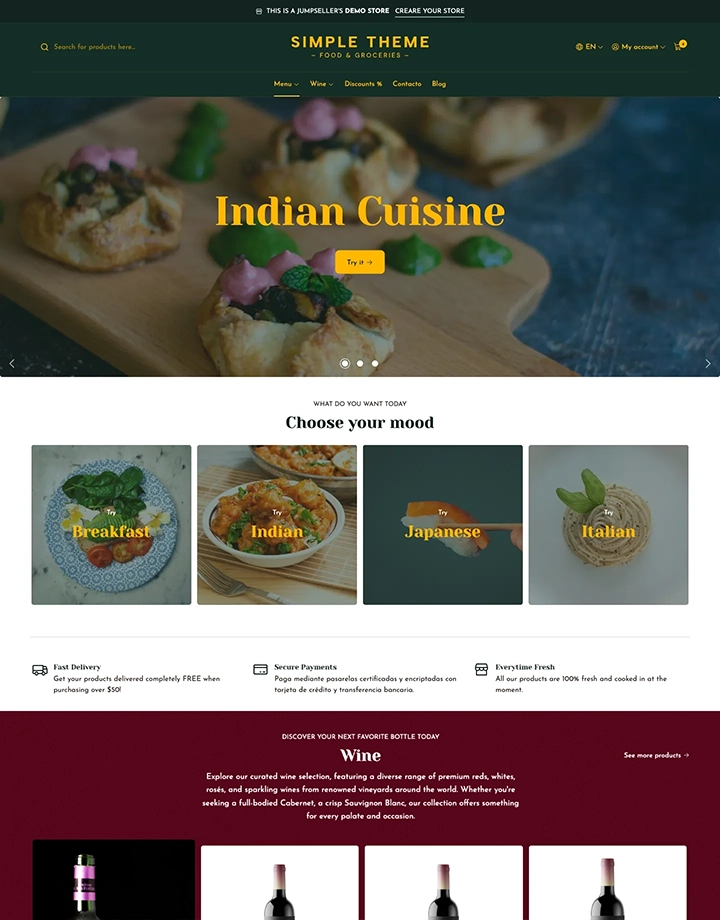
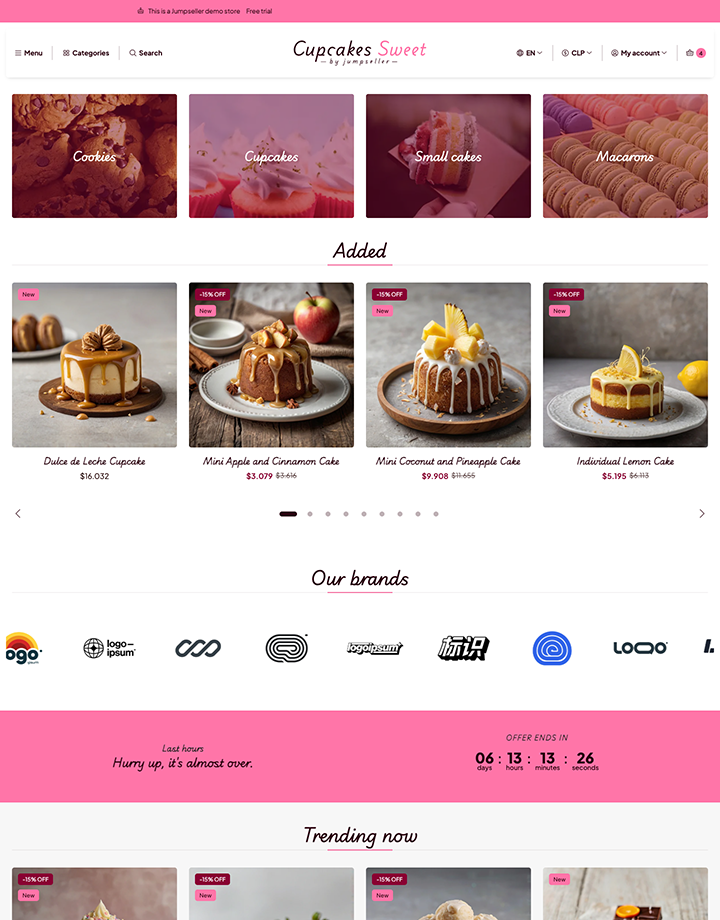
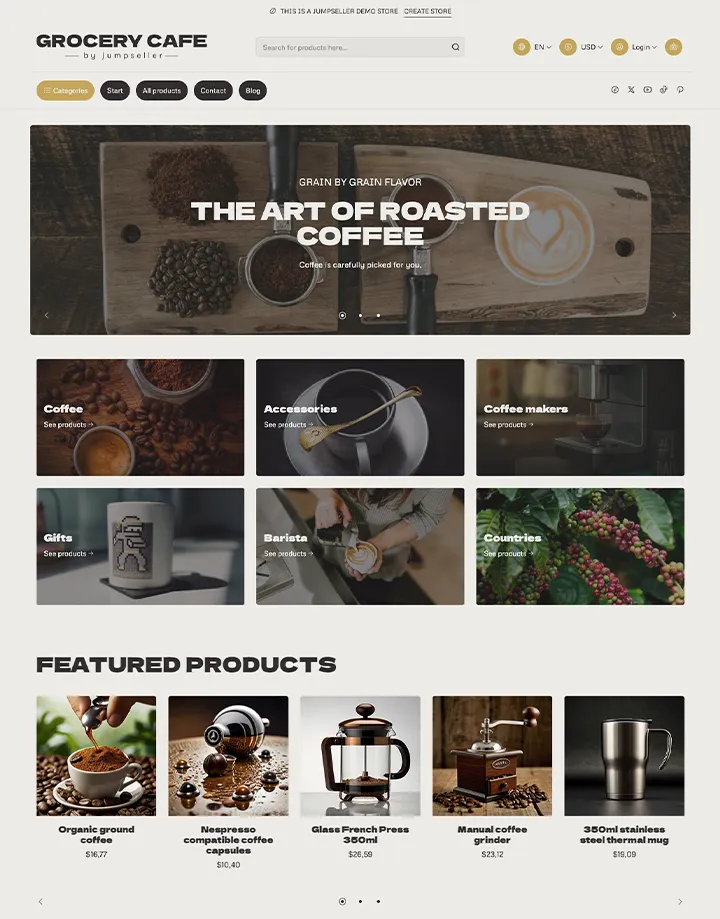
Put your menu, orders and payment in your own online store. Offer collection and delivery with the dishes, extras and coverage your customers can choose from.
7 day free trial No credit card required
Subscriptions

A menu that turns choices into orders

For example, a customer chooses two dishes and an extra, then selects collection or an available delivery method. Your team receives the order details together and can follow its payment and preparation status.

Food management

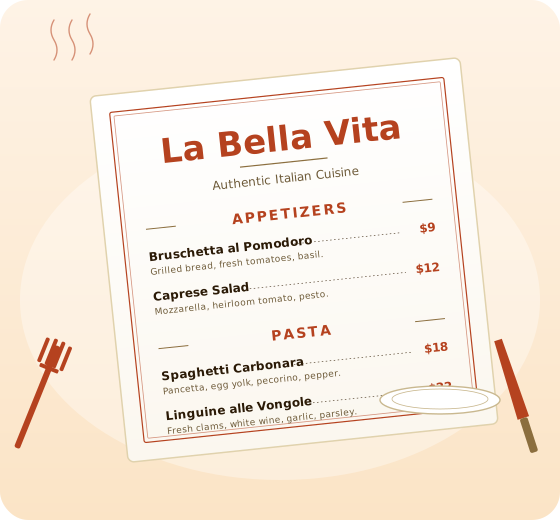
Design a printable menu for your restaurant

Use our free Menu Builder to draft, style and print a full A4 menu in minutes. Pick a template, customize colors and fonts, and share a read-only link with your team.

Write your menu in markdown, see it update live. Eleven professional templates tailored for restaurants. Print on A4 or share a link - no sign-up required.
Open Menu Builder

A menu customers can make their own

Restaurants & Cafes

Make the menu easy to order from

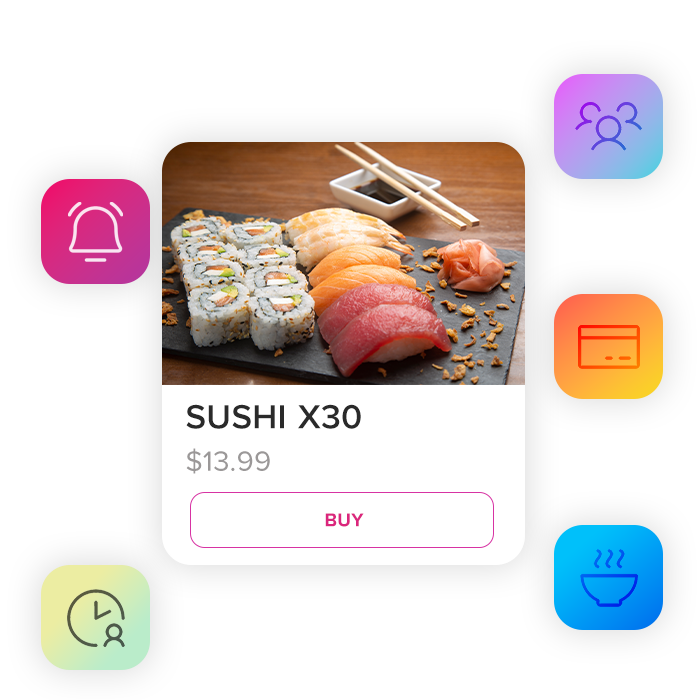
Show photos, portions, ingredients and the information your kitchen provides for each dish.

Home Chefs

Let customers choose their extras

Use product options and paid add-ons for toppings, accompaniments or portions.

Specialty Foods

Offer collection and delivery clearly

Offer local pickup and configure delivery zones and rates.

Meal Subscriptions

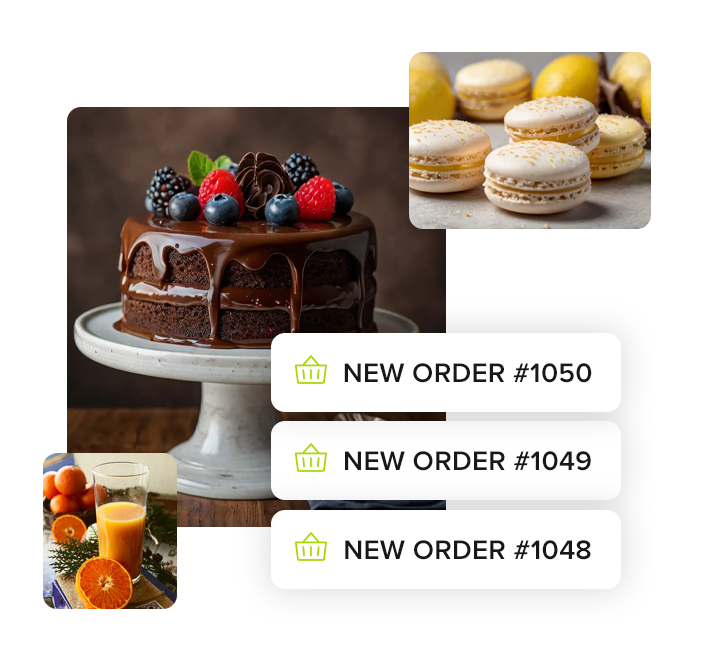
Keep incoming orders at hand

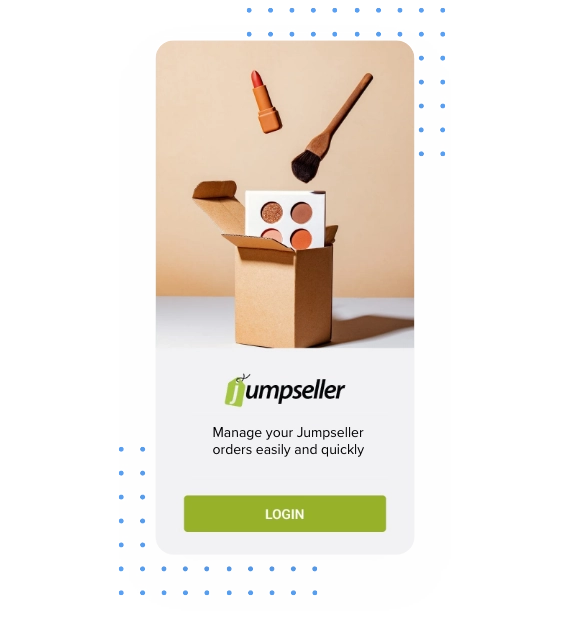
Receive order notifications in the Jumpseller mobile app and consult products, quantities and payment status.

Offer collection and delivery clearly

Offer local pickup and configure delivery zones and rates. Customers can choose an available method during checkout, while your store keeps the order and delivery details together.

Add multiple dishes or combos Offer discounts for loyal customers Set custom prices and promotions
Digital products
How Does It Work?

How Does It Work?

1

Create a Store

2

Select a Theme

3

Add Your Menu or Food Products

4

Start Accepting Orders & Deliveries

Keep incoming orders in view during service

Receive incoming order notifications Check the dishes and selected extras Mark orders in preparation or ready for pickup
Mobile app
Questions, answered

Frequently asked questions

Still curious? Our support team can help you.

Talk to a specialist
Show photos, portions, ingredients and the information your kitchen provides for each dish. Categories help customers find starters, mains and desserts in a menu they can buy from.
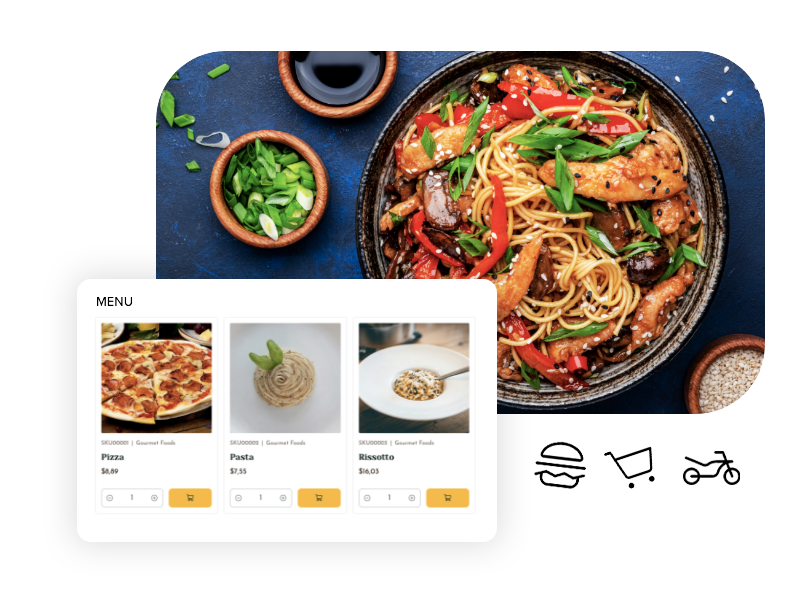
Use product options and paid add-ons for toppings, accompaniments or portions. Each order records the selected options so the kitchen can prepare the customer’s choice.
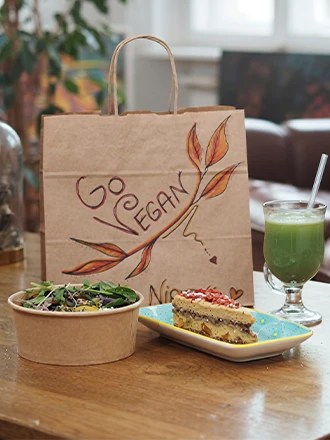
Offer local pickup and configure delivery zones and rates. Customers can choose an available method during checkout, while your store keeps the order and delivery details together. Set up pickup points for customers collecting their orders.
Check the dishes, selected options and quantities in each order with the mobile app, so your kitchen can prepare what the customer ordered.
Set preparation times and available delivery dates with order scheduling. Customers choose an available date when placing their order.

Create your food ordering store

Start your free 7-day trial. No credit card required.