

Jumpseller, the platform to sell digital products online
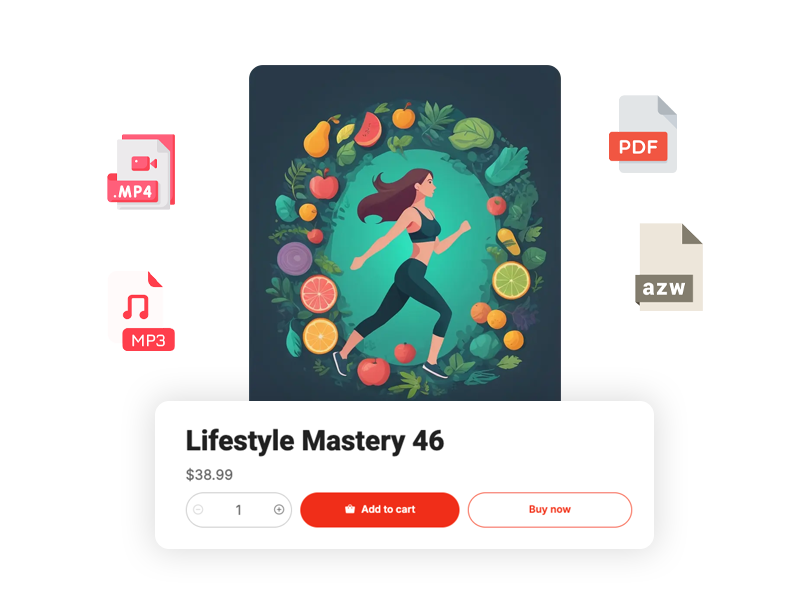
Show the value inside the file
Use previews and descriptions to show what the buyer receives. File format, language and compatible software help customers choose the template, illustration or guide they can use.
Digital Kits
Show the contents and software requirements for SVG packs, patterns and printables.
Sublimation Art
PNG and PDF files for sublimation, digital scrapbooking and creative printing projects.
Templates & Files
Canva templates, spreadsheets, social media packs, and any downloadable file you create.
Sell without a Jumpseller sales commission
Choose your Jumpseller plan and connect a payment provider available in your country. Jumpseller charges no sales commission; the plan subscription and your provider’s payment fees make up those costs.






Deliver the download after payment
Attach uploaded files or an external link to the product. Once the order is paid, download access appears on the success page and in the customer email. Uploaded files also support access days and download-count settings.
Customer purchases and pays via their preferred method
Paid orders receive the configured download access.
Customer receives the configured download link by email
Start selling in 3 steps
Create your store
Sign up in minutes. No credit card, no technical knowledge required.
Upload your digital files
Attach files or an external link, set access conditions and check software compatibility.
Start selling and earning
Share your product pages and give paid orders the download access you configured.
Frequently asked questions
Still curious? Our support team can help you.
Talk to a specialistCreate your digital product store
For example, a designer presents an editable template with a preview and its software requirements. After the order is paid, the buyer receives the configured download access by email and on the success page.