

Apparel
Apparel is a flexible theme with all the necessary sections and components to make the most of Jumpseller's functionalities. Its design it's focused to present products related to clothing in the best possible way, however, it can be adapted to be used in any field.
€280 EUR
Start your free 7-day trial. No credit card required.
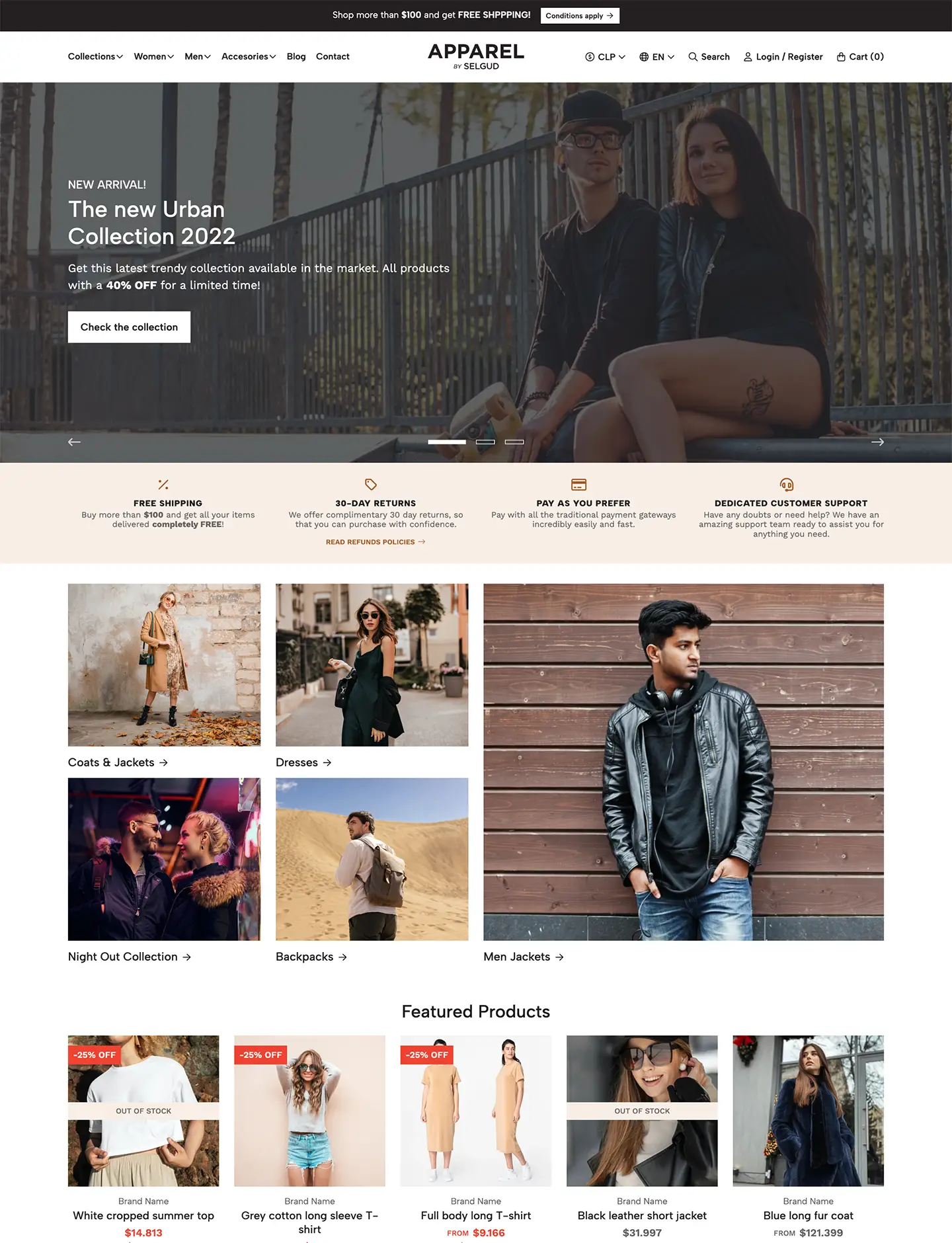
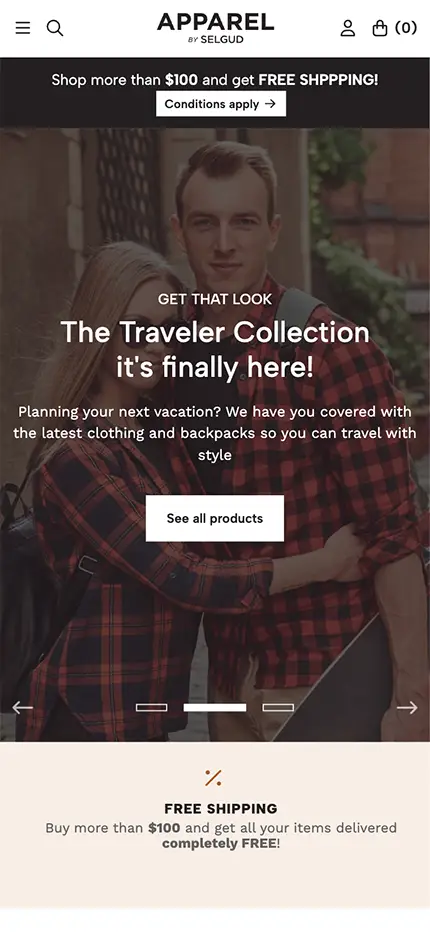
A perfectly complete theme
-
18 Components
Choose from 18 several different components to customize your Home, Category and Product pages so you can present your store the way you want.
-
Advanced customization options
Adjust every option of the theme like colors, margins, shapes, backgrounds, width and a lot more, so your store fits the design guidelines of your brand.
-
Google Fonts integration
Choose the best fonts for your store's titles, texts and buttons from Google's full fonts database.
-
Fast Shopping experience
Give your customers several options to buy your products, with direct Add to Cart buttons and Buy it now links. Also quick and visible Cart and Checkout links so purchases can be concreted faster.
-
4 Category templates
Customize the look of your category pages with different templates, so you can display products in different ways, based on what you offer inside each one of them.
-
Adapt all colors
Take full control of all the colors of your store. Change how the Header, Footer, Mobile Menu and all components look, so it matches perfectly with the design of your brand.
-
Customizable Customer pages
Make more attractive the pages where your customers land, like the Login and Register pages, so it fits the look of your brand.
-
Fully customizable Product Page
Modify and adapt the sections within your product pages by choosing how product options look and behave, add accordions with relevant information and much more.
-
Search Autocomplete
*Make searching for products in your store easily so customers can find what they're looking for faster. * Only available for Premium or higher Jumpseller plans
-
Product Reviews
Increase and generate trust on your brand by letting your customers add reviews and rate your products after they make a purchase with Jumpseller's new feature: Product Reviews*.* Only available for Pro or higher Jumpseller plans
-
Custom Codes
Need to add an external plugin? Or maybe a Pop Up modal from an external application? Do it easily without the need to edit any kind of source code.
Edit even the smallest detail
Make your store stand out
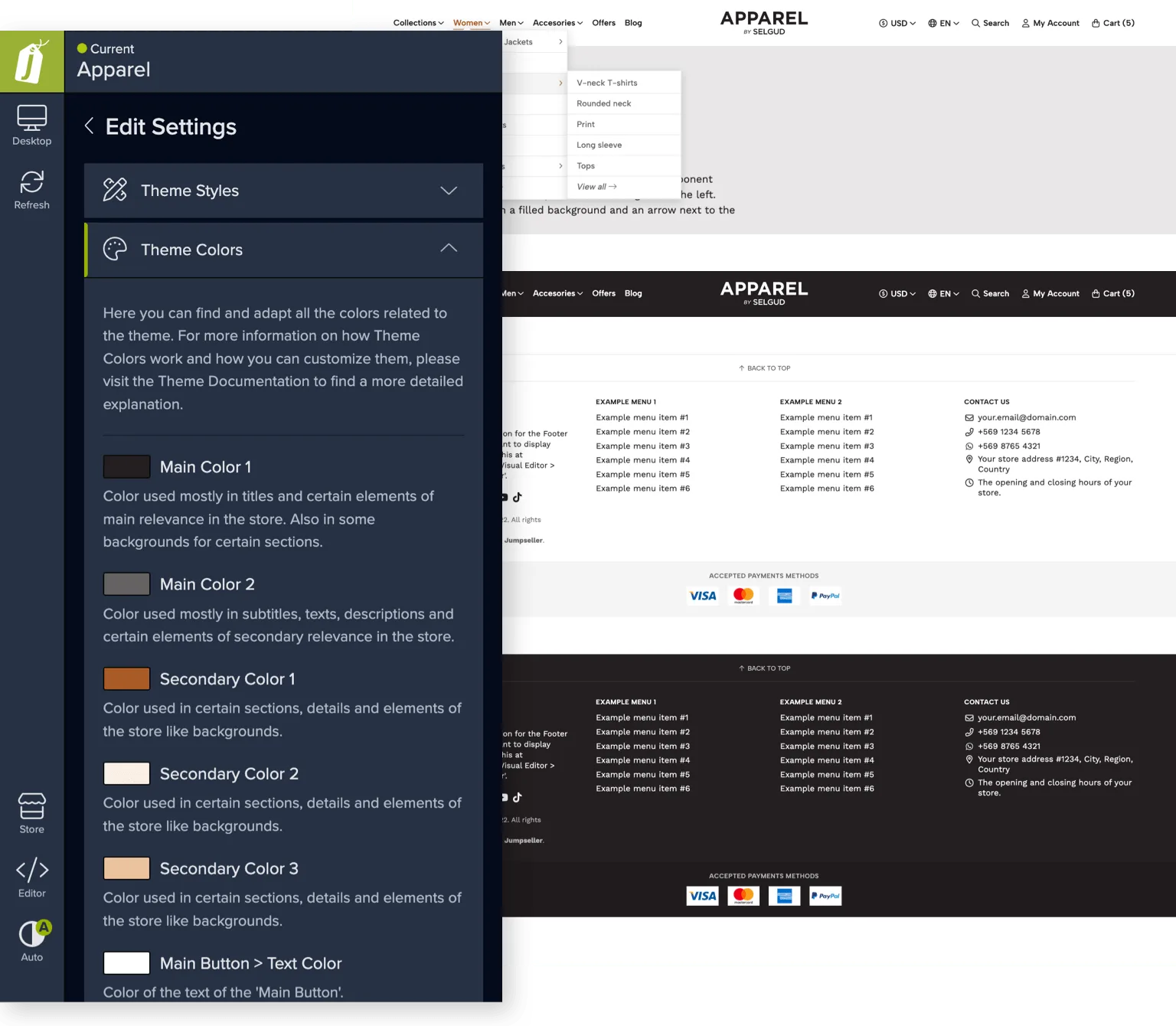
Customize your theme until you feel is perfect by taking advantage of the powerful Jumpseller's Visual Editor tool:
Theme Styles
Choose how buttons will look, define the icon for the Cart and make design decisions related to the Grid of your store or how corners and shapes will be.
Theme Colors
Modify all the basic theme colors so it matches your brand design and guidelines.
Theme Header
Customize the Header of your store by uploading independent Logos for Desktop and Mobile devices or by changing the colors of all of its items.
Theme Footer
Create and define a very complete Footer section with all the necessary information, menus, social media links and details your customers need to have.
Independent Color selection
Even when you can modify the Theme Colors that are applied generally to your theme, you can also change and adapt independent and specific colors, like for example the Header, Footer and/or the Mobile menu.
Enhance your pages
A wide variety of Components
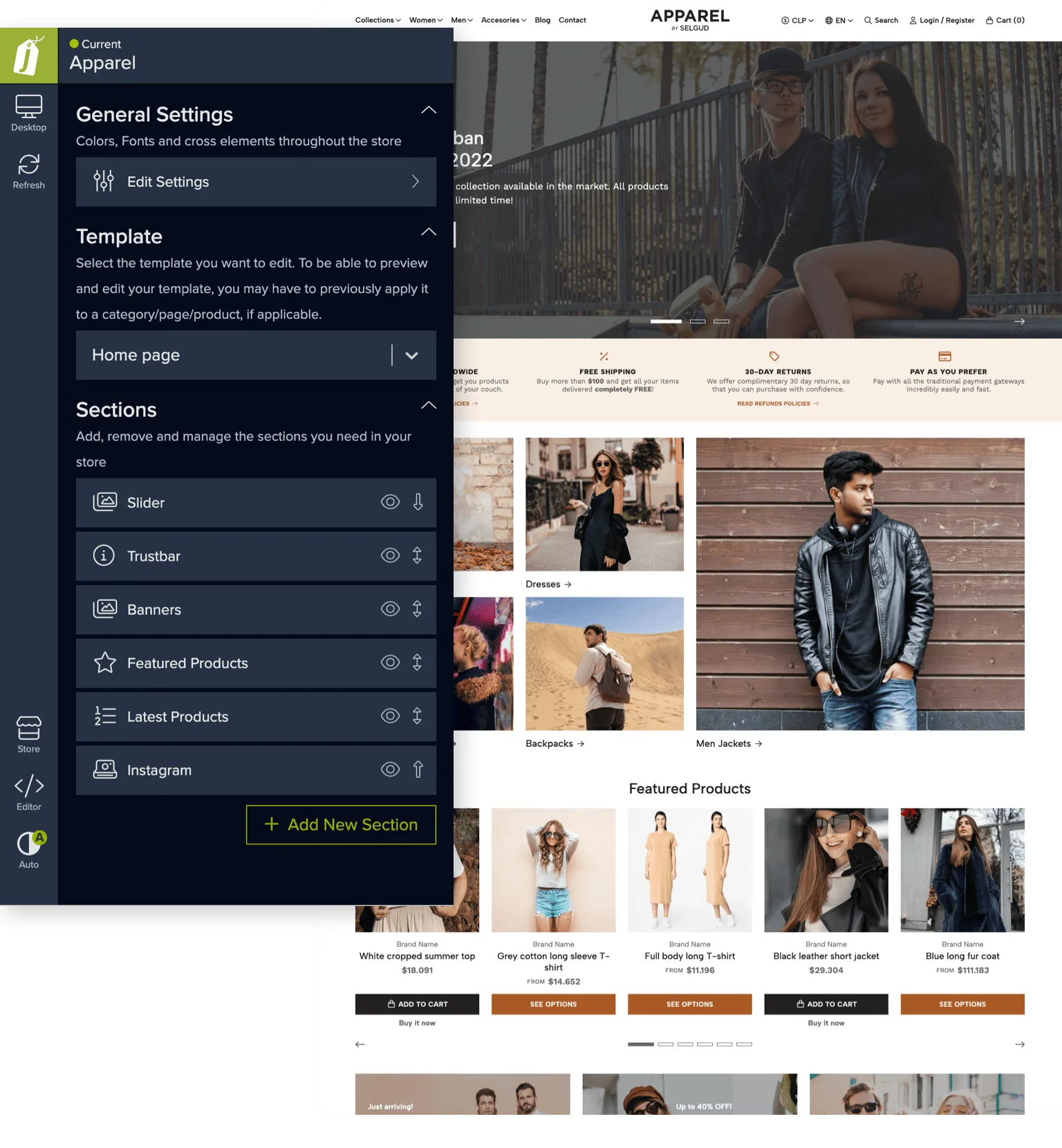
Create and develop a highly effective Home page and improve your sales conversions by using Components:
Slides and Banners
Add highly effective and good-looking images with relevant content, for things like categories, products and pages.
Products Carousels
Choose from 4 different type of carousels to present products the way you think it's best.
Instagram Feed
Connect your Instagram account and display the latest posts you have published in real time.
Collage
Present products, categories or pages with a unique and beautiful design layout.
Mailchimp Newsletter
Display a newsletter form so your customers can subscribe and receive the latest and most relevant emails you want to send.
+10 components
Enjoy and choose from the rest of available components so you can create unique pages and layouts.
A wide variety of layouts
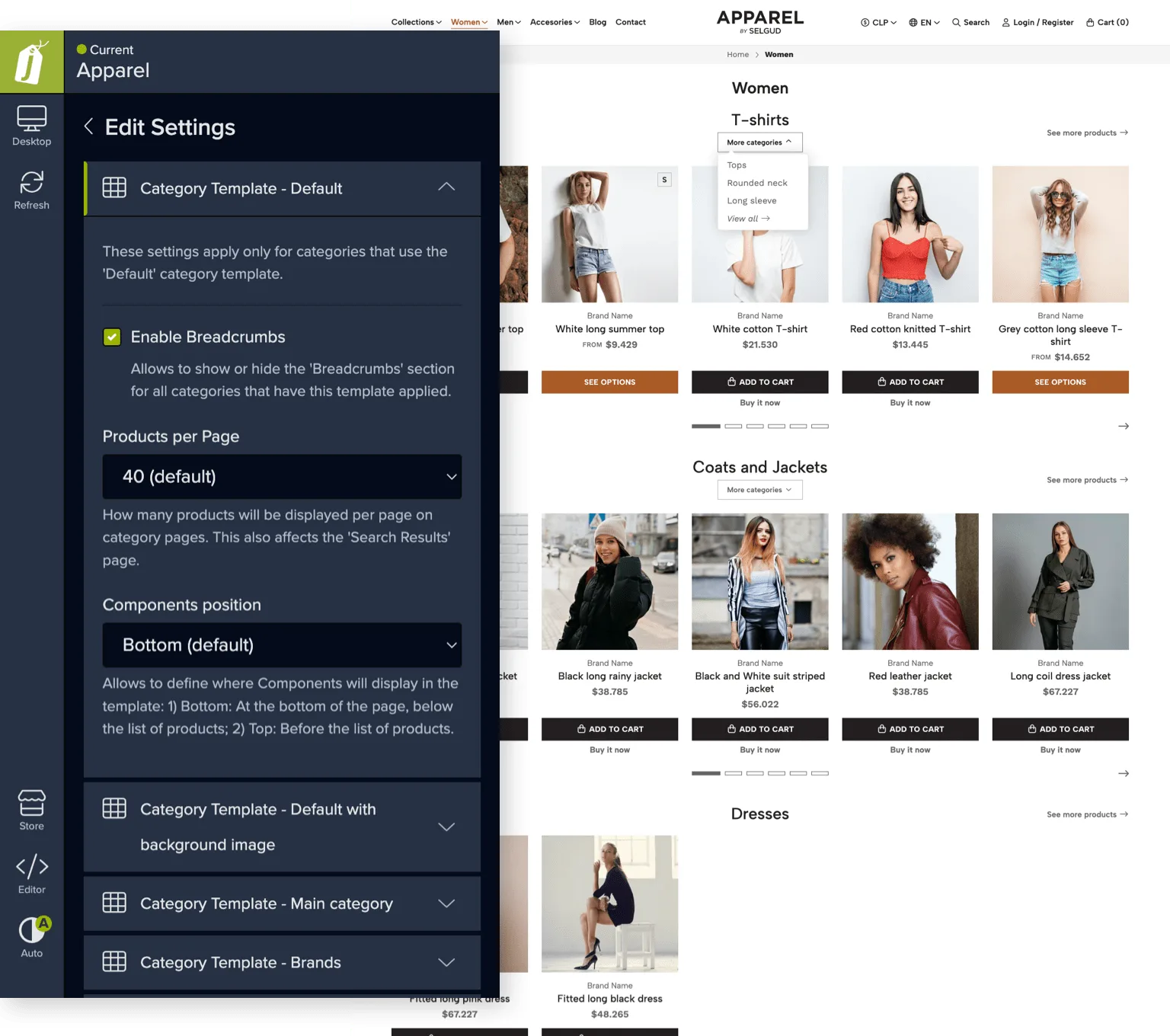
Flexible category templates
Present your categories and its products in different ways depending on how you want information to be displayed:
Main category
Display all the subcategories of a category showing the first or more important products of each one inside a carousel.
Default with background image
Make the default template more beautiful by adding a background image at the back of the heading section of the category page.
Collections
Display the first 4 products of each subcategory along with an image, title and description.
Brands
Present the subcategories of a category with Logos and choose how many of them will be displayed per row.
Increase your conversions and sales
Highly customizable product pages
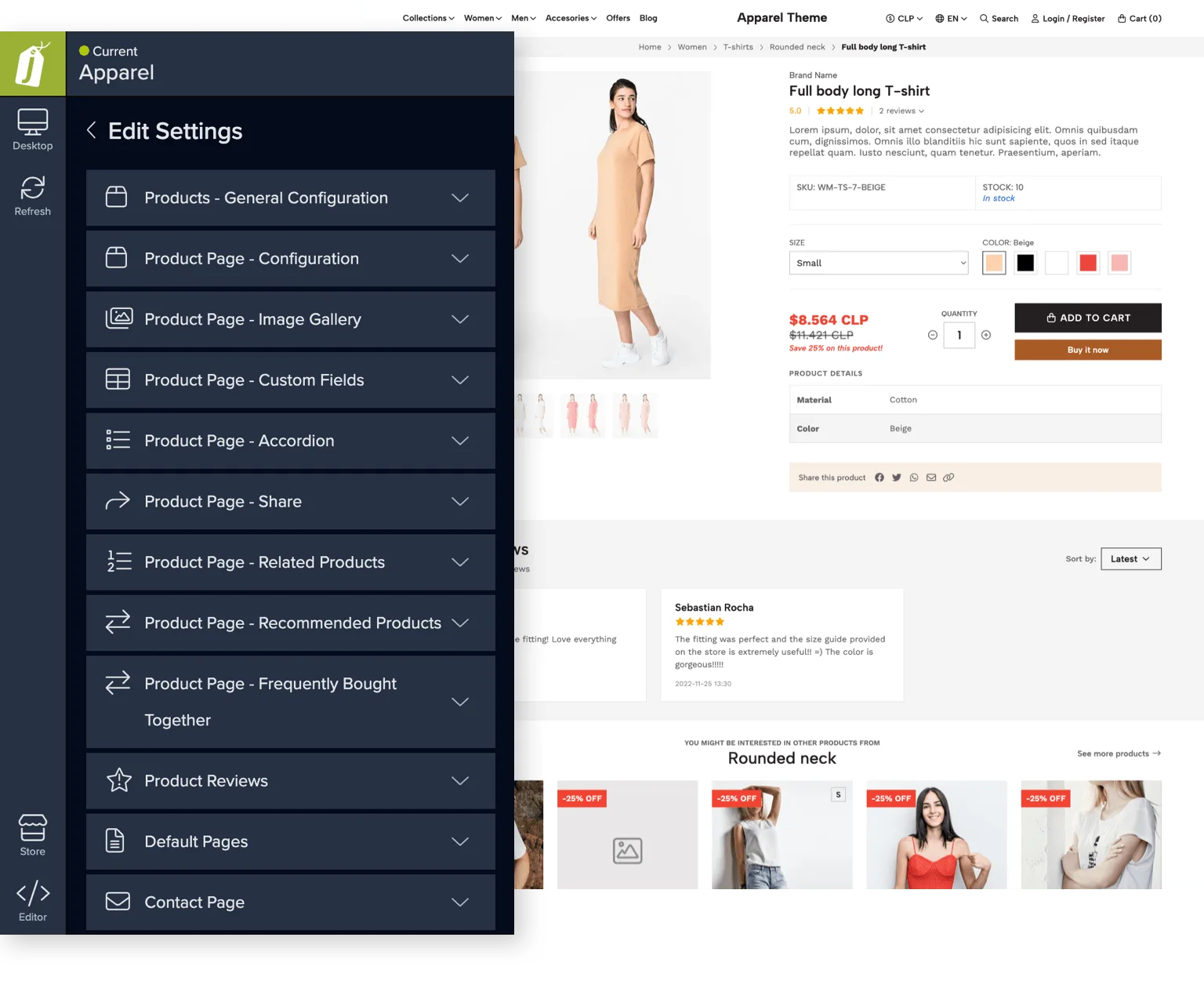
Have full control of what sections are available and how they will be displayed in your product pages with several customization options to choose from:
Product Options & Custom Fields
Define how customers will see and choose from the available options on a product, as well as how information you add through Custom Fields will be displayed.
Accordion
Add general information for all your products so customers can have and know all the necessary details before purchasing.
Product Reviews*
Let your customers read comments from others who have purchased at your store, so you can increase sales and build trust.* Only available for Pro or higher Jumpseller plans
Product relations
Offer Related or Recommended products suggestions so your customers can find the best one for them easily.
Features
Commerce & Conversion
- Bought together products Advanced
- Cross selling products
- Recommended products
- Volume prices
- Fast checkout
- Countdown
Customer Experience & Engagement
- Customer login
- Subscriptions
- Back in Stock Notifications
- Appointments / Booking
- Newsletter widget
- Product reviews
- Custom notifications
- Wishlist products Pro
- Testimonials
Content, Marketing & Discovery
- Instagram feed
- WhatsApp widget
- Social sharing
- Video integration
- Auto complete search Premium
- Mega menu
- Advanced Product Filtering Premium
- Blog and articles
Global, Customization & Performance
- Multiple languages
- Multiple currencies
- Stock by location
- Payment badges
- Fully customizable
- Code edition access
- High SEO performance
- Mobile ready
- Lightweight / high-performance layouts